Tools · Financial Health
Small Business Financial Health Dashboard
Stop guessing whether your business is actually making money.
$29 one-off
Buy — $29Small-Business-Financial-Health-Dashboard.xlsx · 6 tabs, 208 live formulas, no macros
Instant download, nothing ships. Works in Excel, no subscription. If it does not do what you needed, tell me and I will make it right.
You know your revenue. You probably know roughly what you spent. What you almost certainly do not know — because no invoice or bank app will tell you — is your net margin, the revenue you must hit each month before you earn a dollar, how far sales can fall before you are underwater, or what you would have to charge per hour to take home the income you actually want.
This dashboard answers all four in about twenty minutes of setup.
How it works
Fill in one tab. Every cell you need to touch is shaded yellow, and a full worked year is already filled in so you can see exactly what good input looks like before you change a thing. Enter your revenue, what it costs to deliver the work, and your monthly overhead. That is it.
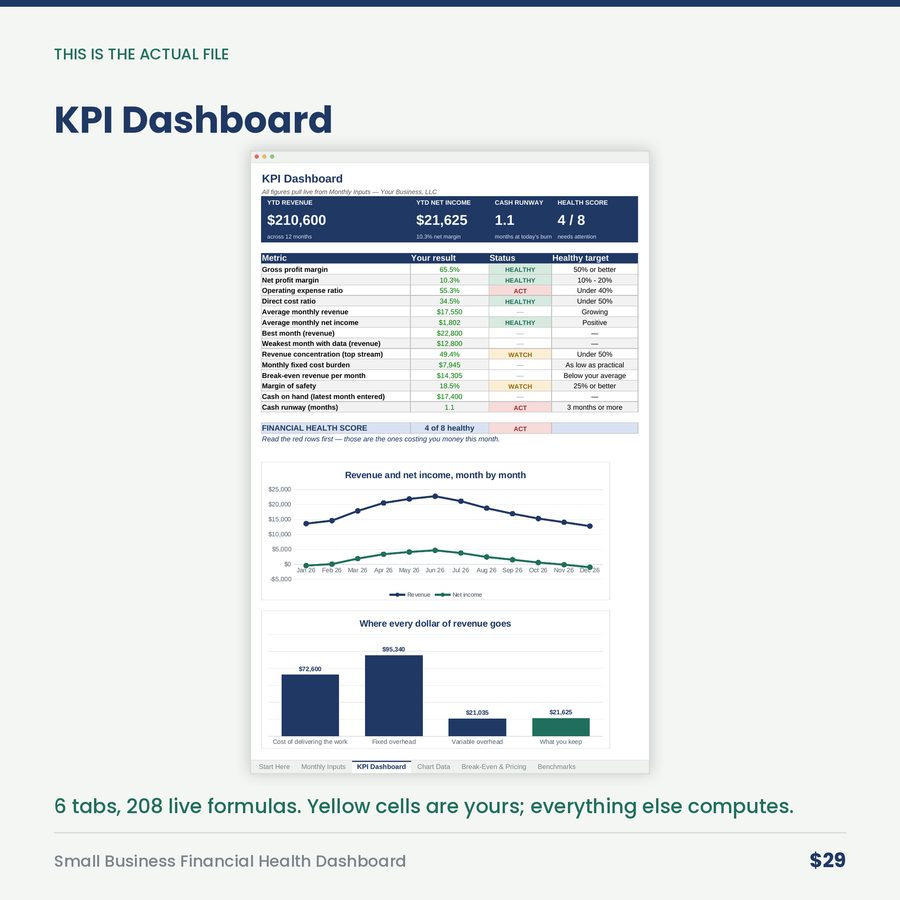
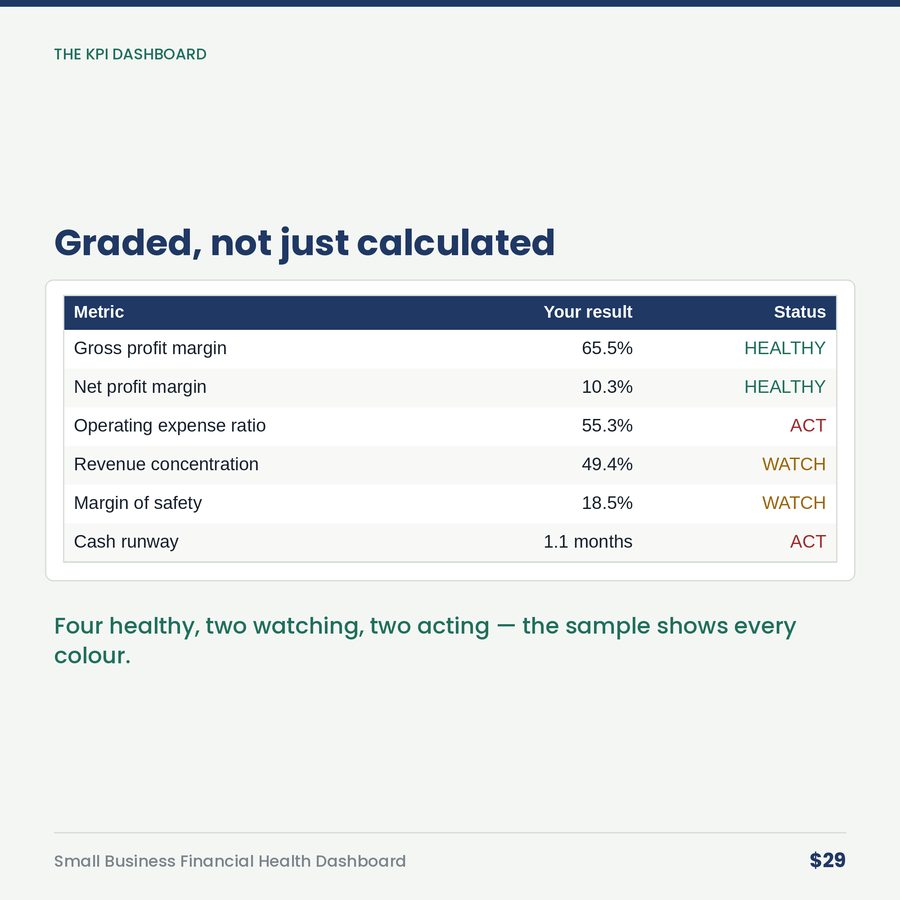
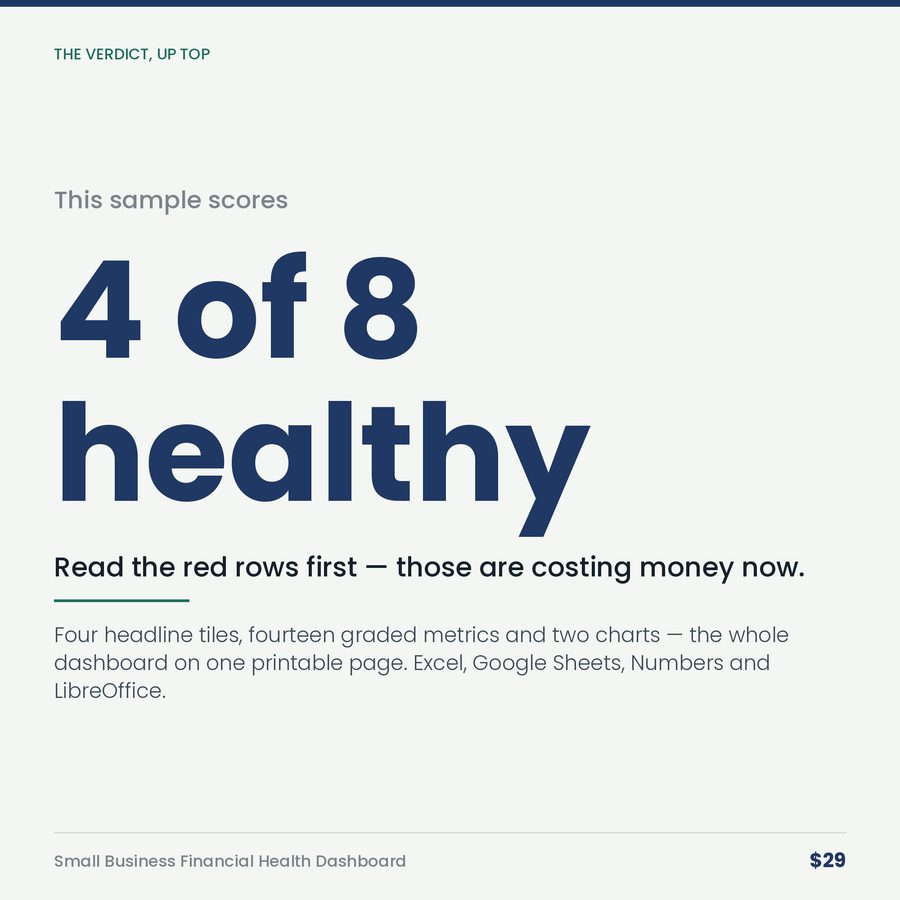
Everything else calculates itself, and the dashboard grades each number for you — green when it is healthy, amber when it needs watching, red when it is costing you money — with a health score out of eight at the top so you know in one glance whether this is a good year or a worrying one:
- Gross and net profit margin
- Operating expense ratio and direct cost ratio
- Break-even revenue per month
- Margin of safety — how far sales can drop before trouble
- Cash runway in months
- Revenue concentration — how exposed you are to your biggest client
- Best and weakest month, side by side
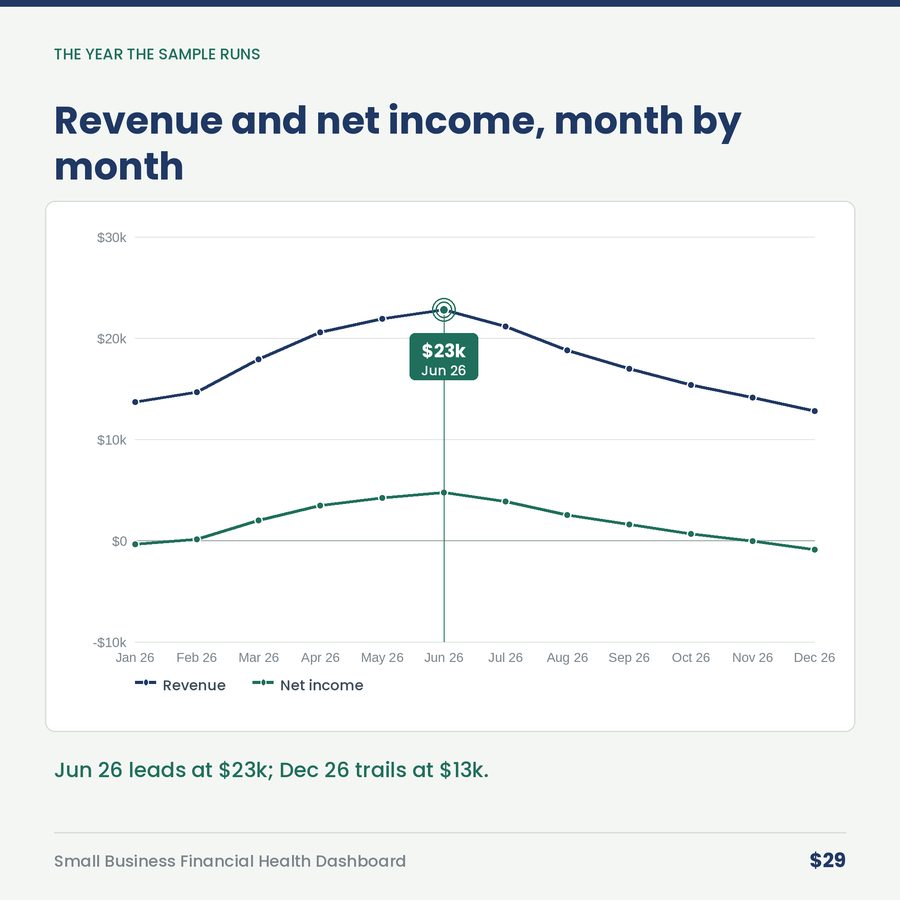
- Month-by-month revenue, profit, and margin trend — plus a live chart that redraws as you type
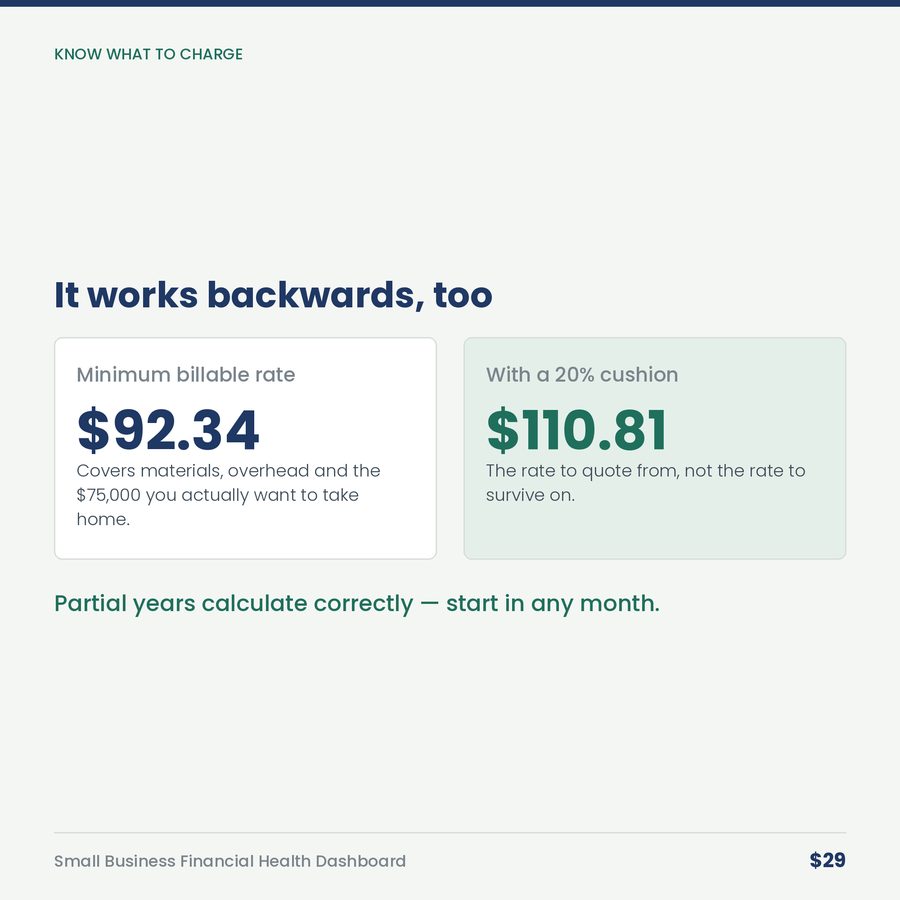
- Minimum billable rate, calculated backward from your target income
Plus a benchmark tab that tells you what a healthy number looks like for every single metric — and exactly what to do when yours misses.
Built for
Consultants · contractors and trades · agencies and freelancers · coaches · landscaping, cleaning, and home services · anyone running a service business who is tired of finding out how the year went in April, from their accountant.
What you get
One .xlsx file, five tabs, instant download. Works in Microsoft Excel, Google Sheets, Apple Numbers, and LibreOffice. No macros, no add-ins, no subscription, nothing to install. Yours forever.
Partial years work perfectly — start in any month.
A look inside

More in Financial Health
Small Business Bookkeeping & Tax-Prep Organizer
Most small businesses do their bookkeeping in March, for the year that ended in December, out of a carrier bag
$24
If Revenue Drops: The Downturn Playbook
If your revenue dropped 30% next month, what would you cut first? And second? And how long would you have?
$29